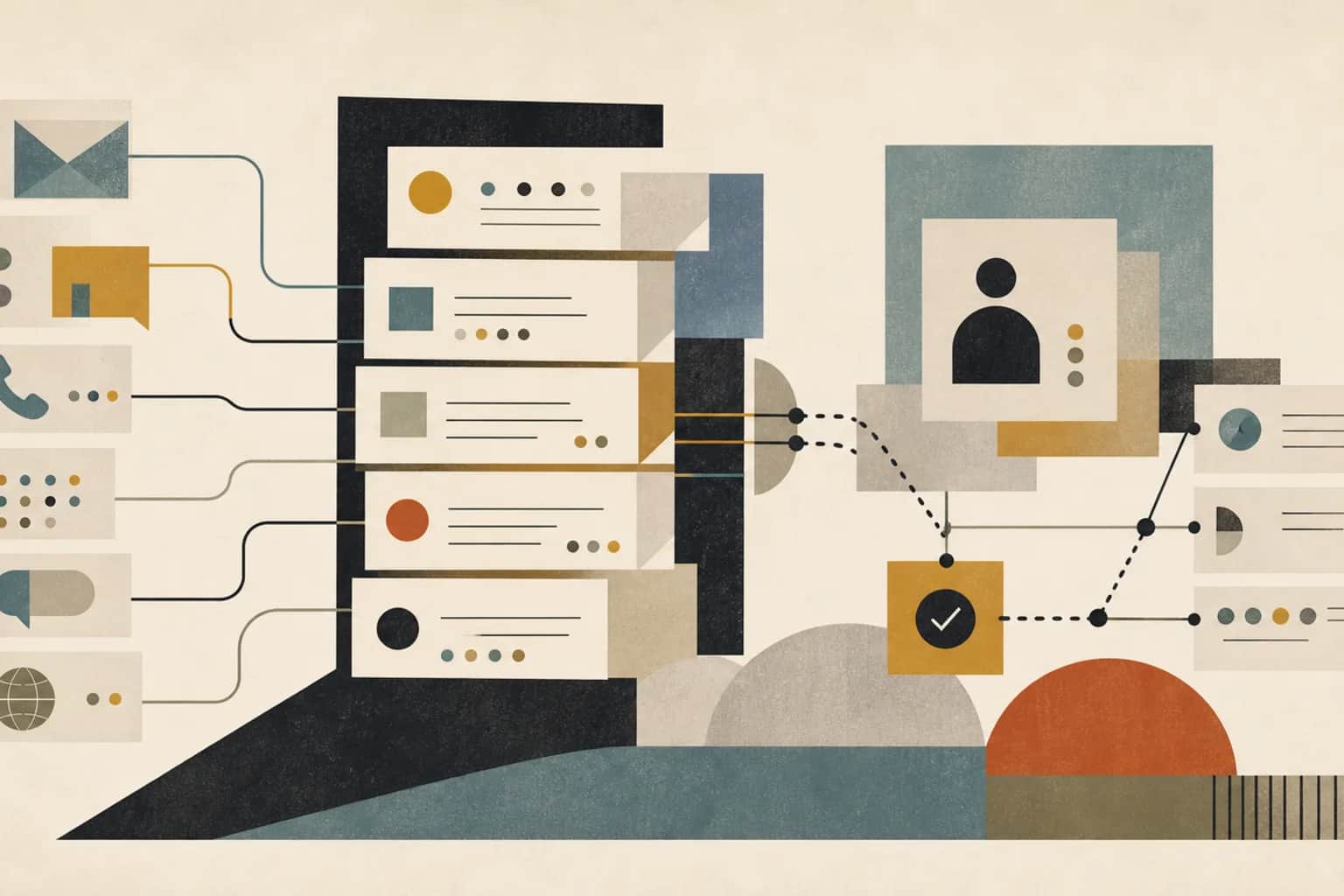
From outside the clinic, patient communication looks like a series of small, obvious tasks. Send the reminder. Ask for the missing form. Explain how to prepare for the procedure. Follow up after the visit. Reply to the portal message. Share the result. Inside the clinic, every one of those messages depends on timing, consent, the right channel, clinical context, who has capacity today, and what happens the moment the patient replies.
The reason patient communication quietly eats staff time is almost never the sending. It is the chasing, the confusion, and the follow-up that a poorly designed message creates afterward. A reminder that does not explain the preparation steps generates three phone calls. A result message with no clear owner generates a reply that sits unread for two days. A form request sent to a patient who already submitted it makes the clinic look disorganized. This guide is about designing patient communication so that each message closes cleanly instead of opening new work.
Start with the message that already creates rework
Do not try to redesign every patient message at once. Start with the single communication that generates the most avoidable admin. It is usually a message that should have been routine: patients call because the instructions were unclear, staff retype the same reminder by hand, replies land in an inbox nobody checks, a patient misses an appointment because the preparation steps were buried, or a result note triggers follow-up questions that no one has been assigned to answer.
Pick one path and only one. Common candidates are appointment reminders, intake and consent documents, procedure preparation instructions, post-visit follow-up, portal message replies, referral status updates, or care-gap nudges. The test for a good first choice is simple: which message, if it worked properly, would take the most repeat calls and manual chasing out of the front desk's week?
Decide what the message is actually for
Before touching any tool, be clear about what a good version of this communication has to do. A patient message that reduces admin answers six questions: who needs to be contacted, why now, which channel is appropriate for this patient, what the message should say, what should happen if the patient responds, and where the outcome gets recorded so nobody redoes the work.
Notice that "send more automated messages" is not on that list. Volume is not the goal. A clinic can double its outbound messages and increase admin load if half of them are unclear, mistimed, or land replies that route nowhere. The goal is fewer confused patients and fewer repeat touches for staff, while anything that affects care still passes through the right clinical and privacy review.
Say a three-location dermatology group wants to fix preparation instructions
To make the rest of this concrete, take an illustrative example. Say a three-location specialty dermatology group runs about forty procedure appointments a week that need patient preparation, such as stopping a medication, arranging a ride home, or fasting. Right now the front desk sends preparation instructions manually the day before, copied from a document that lives in a shared drive. Roughly one in five patients calls back confused, and a handful arrive unprepared and have to be rescheduled, which burns a clinical slot and frustrates everyone.
None of the numbers above are a promise or a benchmark. They are a stand-in to show where the work goes. In this example the message itself is fine. What breaks is that it goes out inconsistently, the replies land in a general inbox, and when a patient asks a question that touches their medication, front-desk staff are not sure whether they are allowed to answer. That uncertainty is where the admin drag actually lives.
Walk the path from trigger to recorded outcome
Map the current path twice: once from the event that should trigger the message, and once from the patient's reply back to whatever action it should cause. For the dermatology example, the event is a booked procedure appointment, and the reply might be a confirmation, a question, a request to reschedule, or a concern that a clinician needs to see.
Write down each handoff. Who or what notices the appointment is booked. Who decides the patient is eligible for the standard message versus a version that needs review. Who sends it. Where the reply arrives. Who reads the reply and decides what it means. Where the final status gets recorded so the next person can see it without asking. Most clinics have never written this down, and the gaps become obvious the moment they do.
| Step | Who does it today | Where it lives | What usually breaks |
|---|---|---|---|
| Appointment triggers a message | Front desk notices it on the schedule | Scheduling system or EHR calendar | Nobody notices in time, so the message goes out late or not at all |
| Check the patient can receive it | Front desk, if they remember | Consent and contact fields in the EHR | Channel or language preference is missing, so the message never lands |
| Send the message | Front desk, copy and paste | Shared document plus SMS or email tool | Wording drifts between staff, so instructions are inconsistent |
| Handle the reply | Whoever opens the inbox | General clinic inbox or portal | Reply sits unread, or the wrong person answers a clinical question |
| Record the outcome | Often nobody | Meant for the EHR, lands in memory | Status is rebuilt by hand before the next appointment |
Keep the clinical line bright
This is the part healthcare teams cannot get wrong, so design it first rather than bolting it on later. Automation and AI handle the administrative side of a message: noticing the trigger, drafting from an approved template, sorting replies, and summarizing context for a person. Anything clinical stays with a clinician. Interpreting a result, adjusting a medication instruction, judging whether a described symptom needs attention, or changing a care plan is a clinical decision, and it is made by the appropriate clinician, not by a tool and not by front-desk staff acting on a tool's suggestion.
Patient data has to stay inside your approved systems. The scheduling system, the EHR, and an approved messaging tool are where patient details belong. A workflow that copies patient histories into an unapproved app to make drafting easier has traded an admin problem for a privacy problem. The practical rule is that the message content and the writeback move through systems your practice already trusts, with access controls and an audit trail, and any step that touches clinical judgment is routed to a person who is allowed to make that call.
Once that boundary is explicit, the split between message types becomes easy to see. A reminder to complete an intake form is low risk when the template and timing are approved and the reply is just a confirmation. A message about results, medication, symptoms, or a change in care needs a clinician in the path before it goes out and when certain replies come back. A good workflow separates those two roads from the start instead of treating every patient message the same way.
Where patient messages turn into admin drag
The failures are specific, and most clinics recognize several of them immediately.
The instruction is unclear, so the patient calls
If a message leaves any room for a reasonable question, some patients will call to ask it. Vague preparation steps, missing times, no explanation of why a step matters, and no statement of what to do if something is unclear all convert one outbound message into several inbound calls.
The reply lands somewhere nobody owns
A message that invites a reply has to have a defined place for that reply to go and a defined person to act on it. When replies drop into a shared inbox or a portal folder that everyone assumes someone else is watching, patient questions go stale and the clinic looks unresponsive.
The same message goes out twice
When the outcome of a message is not recorded, the next person cannot tell whether the patient already confirmed, already submitted the form, or already rescheduled. So they send it again. Duplicate messages are annoying to patients and are a reliable sign that the writeback step is missing.
A sensitive message is sent without the right review
Speed is tempting, but a result, medication, or symptom message that goes out without clinical review is exactly the failure the whole workflow exists to prevent. The risk is not only clinical. A patient who receives a confusing or premature clinical message often replies with anxious follow-up that then has to be handled carefully and slowly.
Nothing is written back, so status is rebuilt by hand
The most common quiet failure is that the message goes out, the patient responds, and none of it updates the record or the task list. Before the next appointment, someone reconstructs what happened from memory, email, and a phone call. That reconstruction is the admin work the clinic was trying to remove.
| Failure mode | What the patient or staff experiences | What actually fixes it |
|---|---|---|
| Unclear instruction | Patient calls to ask what the message meant | Approved plain-language template with times, reasons, and a clear next step |
| Reply with no owner | Question sits unread for days | Defined destination for each reply type and a named person to act on it |
| Duplicate message | Patient gets the same request twice | Outcome recorded so status is visible before the next send |
| Sensitive message unreviewed | Clinical message goes out without a clinician seeing it | Separate path that requires clinical review before sending |
| Nothing recorded | Staff rebuild status by hand before each visit | Writeback of status, reply, and next action to the patient record or task list |
The first version worth shipping
The first working version does not need to cover every message the clinic sends. For the one path you chose, it needs clear triggers, an approved template or two, consent and channel rules so messages reach patients the way they agreed to be contacted, a defined place for each kind of reply to go, an escalation rule for anything clinical, and a writeback so the outcome is visible without a phone call. It also needs one explicit decision: which messages can go out automatically and which require a person to review before sending.
For the dermatology preparation example, a good first version would send the approved preparation instructions automatically once an eligible procedure is booked, route a plain confirmation straight to a recorded status, send a general question to a named coordinator, and push anything that mentions medication, a symptom, or a reaction to a nurse before any reply goes back. That is a small build, and it removes most of the repeat calls without touching clinical judgment.
Fit the data and systems to the patient's path
The systems involved are usually the ones the clinic already runs: the EHR, the scheduling system, the patient portal, an SMS and email tool, sometimes call-center software, intake and consent forms, document management, and a task list. You do not need to replace any of them to make one communication path work. You need to answer two questions: which event triggers the message, and where the response should land so it becomes a recorded outcome instead of a loose reply.
The data that keeps the path current is modest. A patient identifier, the appointment or referral it relates to, the care team, consent and preferred channel, preferred language, the template used, the message status, the patient's response, any escalation, and the resulting task outcome. That is enough to run one path well. A message that does not update the record or the task list is the single most reliable way to create more work later, so treat the writeback field as mandatory, not optional.
Put AI on drafting, sorting, and summarizing only
Used within the clinical boundary above, AI is genuinely useful in this workflow. It can draft plain-language versions of approved templates, translate approved content for a clinician or coordinator to review, summarize a patient's reply so staff grasp it quickly, classify an incoming message by intent so it routes to the right place, suggest which queue a reply belongs in, and flag language that sounds urgent so a person looks at it sooner. It can also surface which messages are stuck or generating repeated questions, which tells you where the template still needs work.
What AI does not do here is decide anything clinical, interpret a result, change a care plan, or send a sensitive message on its own. Its outputs are drafts and suggestions that a person approves. To keep the workflow reviewable, store the original message, the AI draft or classification, the human edits, the approval, and the final communication that actually went to the patient. That trail is what lets you trust the automation without losing accountability.
Where staff and clinicians still make the call
Automation removes the retyping and the chasing. It does not remove judgment, and it should not. People still decide which patients get a standard message versus a reviewed one, whether a reply is a simple confirmation or a clinical concern, when a message should wait for a clinician, how to phrase something sensitive, and when a patient's situation does not fit any template and needs a real conversation. The workflow exists to hand those decisions to the right person quickly and with the context already summarized, not to make the decisions for them.
What the queue looks like once it works
Once the path runs, staff should be able to open one view and see the state of every patient message without reconstructing it. Each row carries the trigger, the current status, the category of any reply, and the owner responsible for the next step. The difference from the current state is that the status is recorded rather than remembered, and clinical replies are visibly separated from administrative ones.
| Trigger | Message status | Reply category | Owner |
|---|---|---|---|
| Missing intake form | Second reminder sent | Patient question | Front desk |
| Procedure preparation | Awaiting confirmation | No reply yet | Care coordinator |
| Post-visit follow-up | Draft ready for review | Clinical concern | Nurse reviewer |
| Referral status | Sent, awaiting records | Patient reschedule request | Front desk |
A sensible first month
A patient communications workflow is a good candidate for a short, staged build because you can prove it on one path before extending it. The point of staging is to get a real communication running end to end quickly, then decide whether to widen it, rather than designing every message type up front.
| Week | Focus | What should exist by the end |
|---|---|---|
| Week 1 | Choose one path and define it | The chosen message with its trigger, approved template, channel and consent rules, reply destinations, escalation rule, and writeback field |
| Weeks 2 to 3 | Connect the minimum systems | Scheduling, EHR, portal, task, and messaging data wired so the queue stays current, with AI drafting and classification under review |
| Week 4 | Run it and decide | Staff running the path from trigger to recorded outcome without rebuilding status by hand, plus a clear read on whether to widen or narrow it |
By the end of the month the honest test is whether patients are getting clearer next steps and staff are handling fewer repeat touches. If both are true, extend the same pattern to the next message. If trigger rules or reviewer ownership are still unclear, narrow the scope and fix that before adding anything, because an unclear owner is what quietly turns a helpful workflow back into an inbox.
Traps that make the fix temporary
A few predictable mistakes cause a working communication path to drift back into manual chasing.
Automating volume instead of clarity
Sending more messages faster does not help if the messages are unclear. The template quality is what removes calls, so fix the wording before increasing the frequency.
Leaving the reply path undefined
A message that invites a reply without a named owner for that reply will always generate stale patient questions. Design the inbound path with the same care as the outbound message.
Blurring the clinical boundary under time pressure
When staff are busy, it is tempting to let the front desk answer a question that touches medication or symptoms. That is exactly when the clinical review rule has to hold. Build the routing so the fast path for clinical replies is a person, not a shortcut.
Skipping the writeback
If the outcome is not recorded, the workflow will recreate the manual status rebuilding it was meant to remove. Treat the writeback as the finish line of every message, not an afterthought.
Use the related Ubisar resources
For sector context, start with the healthcare workflow page. To compare this with patient intake, care coordination, prior authorization, documentation, and reporting workflows, use the workflow guide library. If you are choosing where to begin, read how to choose the first workflow to improve with AI.
For the business case, use the manual work cost guide and the implementation cost guide. If you are comparing external help, read the consultant, agency, and software comparison. To gauge where your workflows stand, read the workflow and data readiness guide. Ubisar can help implement this through AI, Data & Tech Implementation.
Sources and useful references
Useful references include HHS HIPAA privacy guidance at hhs.gov/hipaa/for-professionals/privacy/guidance/access/index.html, the HealthIT patient access playbook at healthit.gov/topic/health-it-and-health-information-exchange-basics/patient-access-playbook, and CMS burden reduction material at cms.gov/priorities/key-initiatives/burden-reduction. Use them to frame patient access, privacy, and administrative burden while you design the communication path. They are context for your own decisions, not a substitute for your clinic's privacy and clinical review requirements.
How Ubisar would implement this workflow
In week 1, Ubisar would choose one communication path that creates rework for patients and staff, such as missing intake documents, preparation instructions, appointment reminders, or post-visit follow-up. The first output would be a communication queue record with the trigger, approved template, channel, reply category, escalation owner, and writeback rule written down and agreed.
In weeks 2 and 3, we would connect the minimum scheduling, EHR, portal, task, and messaging data needed to keep that queue current. AI would help draft approved messages, classify replies, and summarize context for staff, while privacy, clinical judgment, and patient-facing wording stay under accountable review. By week 4, staff should be able to run one communication path from trigger to recorded outcome without rebuilding status by hand. Keep going if patients get clearer next steps and staff handle fewer repeat touches; narrow it if trigger rules or reviewer ownership are still unclear.