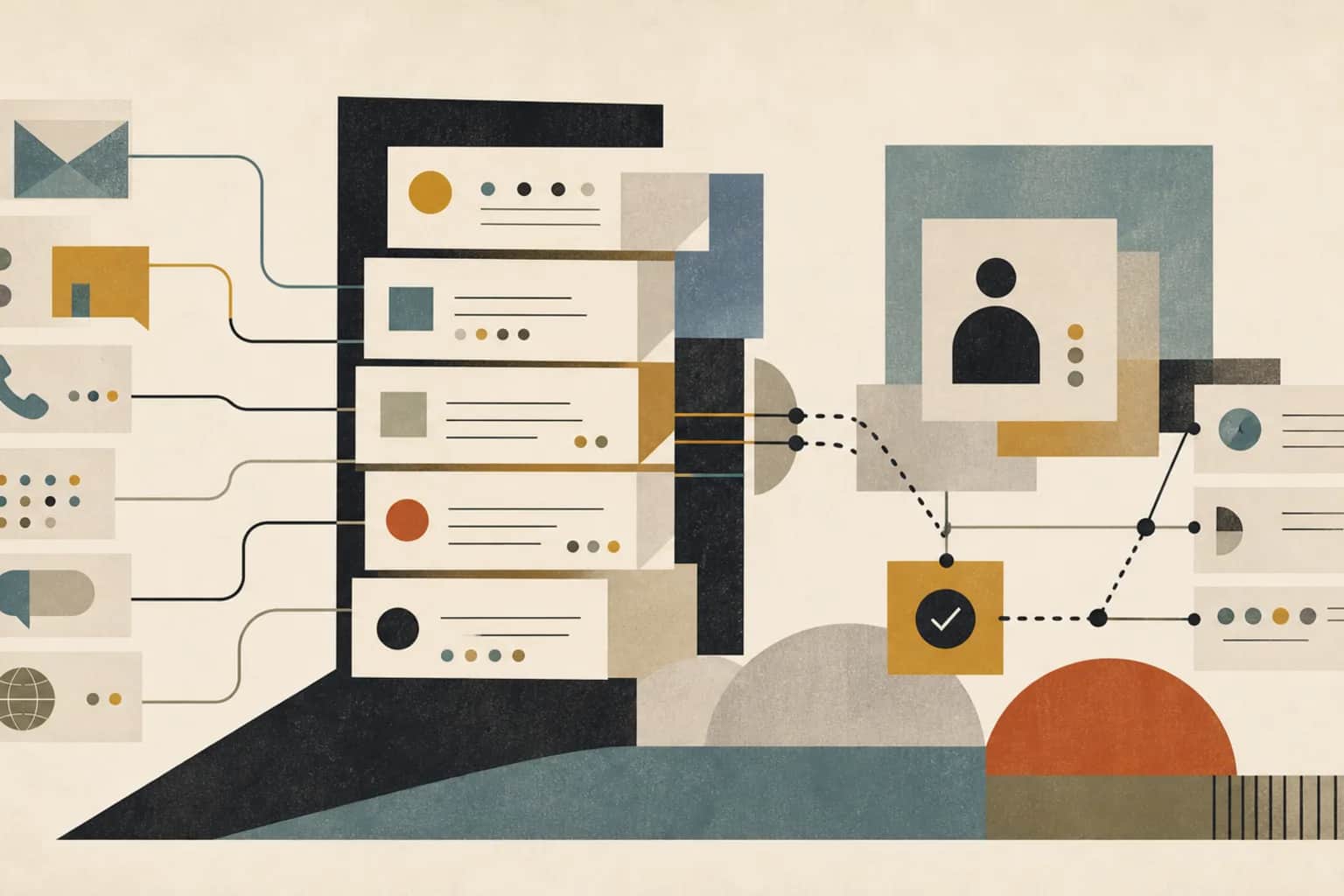
Patient communications can look simple from the outside.
Send a reminder. Ask for a document. Tell someone how to prepare. Follow up after a visit. Reply to a portal message. Share a result. Chase an outstanding form.
But inside a healthcare operation, those messages are rarely just messages. They are tied to scheduling, intake, documentation, care coordination, billing, referrals, authorizations, patient preferences, language needs, privacy rules, and clinical review.
That is why patient communications often become more manual as the organization grows. More patients means more channels. More channels means more replies. More replies means more copy-paste between systems. More copy-paste means more errors, missed follow-ups, and staff frustration.
The fix is not simply to send more automated reminders. The fix is to treat patient communications as a workflow.
The practical test: if a patient reply comes in and nobody knows whether it should update scheduling, intake, care coordination, billing, or a clinician's queue, the communication workflow is not designed yet.
What the workflow is
A patient communications workflow is the operating system around messages sent to and received from patients.
It decides which messages should be sent, when they should be sent, which channel should be used, what information can be included, who owns replies, how urgent messages are escalated, what gets written back into the system, and how the team knows whether the workflow is working.
For a clinic, specialty provider, diagnostic group, care platform, or healthcare services business, the workflow usually covers several message families:
- Appointment reminders and preparation instructions.
- Referral or intake follow-up.
- Missing document requests.
- Pre-visit forms and eligibility checks.
- Post-visit instructions and care-plan reminders.
- Care coordination updates.
- Portal messages and inbound patient questions.
- Billing, claim, or authorization follow-up.
- Feedback, satisfaction, or service-recovery messages.
The important point is that each family has different risk, data needs, ownership, and review rules. A reminder that says "your appointment is tomorrow" is not the same as a message about symptoms, results, medication, billing, or eligibility.
Where it usually breaks
The first break is channel sprawl.
Some patients use the portal. Some reply to SMS. Some call. Some email. Some respond to a WhatsApp number or a local office number. Staff then spend their day checking multiple places and manually updating the EHR, scheduling system, spreadsheet, or billing tracker.
The second break is unclear ownership. A patient reply may be administrative, clinical, financial, or logistical. If the workflow does not classify replies and route them, everything becomes "someone should look at this."
The third break is no writeback. The message gets sent, the patient replies, a staff member handles it, but the source system does not update cleanly. The schedule still shows the old appointment. The intake checklist still says the document is missing. The care task still looks open. The next person cannot see what happened.
The fourth break is template drift. Every team writes its own version of the same message. Tone changes. Instructions differ. Important caveats disappear. Some messages are too vague, some are too long, and some create more calls because patients do not know what to do next.
The fifth break is automation without escalation. Automated messages can reduce load, but they can also create hidden risk if replies are ignored, urgent words are not flagged, or patients who do not respond simply disappear from the workflow.
What good looks like
A good patient communications workflow is controlled, plain, and visible.
Controlled means the team knows which messages are approved, what data each message uses, what channel is allowed, and what should happen when the patient replies.
Plain means the message is written so a real person can act on it. Short sentences. Clear next step. One primary action. No internal jargon. No ambiguous "please follow up" when the patient needs to upload a document, confirm a time, call a number, or answer a specific question.
Visible means the communication status is not trapped inside a messaging tool. The team can see whether the message was sent, delivered, failed, replied to, escalated, resolved, or still waiting.
The minimum useful message workflow
- Trigger: what event starts the message, such as appointment booked, referral received, form missing, visit completed, or claim update needed.
- Eligibility: whether the patient has the right consent, channel preference, contact details, language, and message type.
- Template: the approved message with required fields and clear next action.
- Send: the channel, timing, retry rule, and fallback if delivery fails.
- Reply handling: how replies are classified and routed.
- Escalation: which replies need human review, clinical review, service recovery, or urgent handling.
- Writeback: what status, note, task, appointment, or checklist item gets updated.
- Reporting: delivery rate, reply rate, completion rate, aged replies, escalations, and rework.
What data is needed
The data does not need to be complicated at the start. But it needs to be explicit.
Most teams already have the data somewhere. The problem is that it is split across the EHR, scheduling, patient portal, intake tools, messaging tools, call logs, spreadsheets, and billing systems.
| Data area | Fields you usually need | Why it matters |
|---|---|---|
| Patient and contact record | Patient ID, phone, email, portal status, preferred channel, language, accessibility needs, duplicate contacts. | Prevents messages going to the wrong person, wrong channel, or wrong language. |
| Consent and preference | Consent status, opt-out status, message type allowed, channel permission, timestamp, source of consent. | Stops the workflow from treating every message type as if it has the same permission. |
| Workflow trigger | Appointment date, referral date, intake status, missing document, visit status, claim status, care task, due date. | Makes messages event-driven instead of staff-driven. |
| Message content | Template ID, version, approved language, personalization fields, attachments, reading level, required disclaimer. | Reduces drift and makes content reviewable. |
| Delivery and reply status | Sent, delivered, failed, opened where available, replied, bounced, escalated, resolved, no response. | Turns communications into a queue the team can manage. |
| Routing and ownership | Reply category, assigned owner, queue, urgency, SLA, escalation reason, resolution status. | Stops replies from sitting in a shared inbox with no clear owner. |
| Audit and notes | Who sent it, who reviewed it, what changed, what was written back, and when. | Gives the team a record without forcing manual copy-paste everywhere. |
The workflow becomes far more reliable when these fields are treated as operating data, not as afterthoughts inside a messaging tool.
What tools and systems are involved
A patient communications workflow usually touches more systems than the messaging vendor itself.
The common systems are the EHR, practice management system, scheduling system, patient portal, SMS or email platform, call-center tool, intake forms, document collection tool, CRM or case-management tool, billing or RCM platform, and reporting layer.
For some teams, the right first version is not a large integration program. It may be a small controlled workflow: nightly schedule export, consent/preference check, approved reminder templates, delivery tracking, reply queue, and a staff-facing review list.
For others, especially when volume is high or risk is higher, the workflow needs tighter integration with the EHR, patient portal, scheduling, and task queues.
The important design question is not "which messaging tool should we buy?" It is "what should happen before and after the message?"
Example: appointment preparation workflow
- An appointment is booked or moved in the scheduling system.
- The workflow checks the appointment type, location, provider, language, contact details, consent, and preferred channel.
- The approved preparation template is selected.
- The message is sent at the right time, such as seven days before and again one day before.
- Delivery failure creates a staff task or call fallback.
- Patient replies are classified as confirm, reschedule, question, symptom, billing, cancel, or other.
- Simple administrative replies update the appointment or task status.
- Clinical, urgent, unclear, or sensitive replies are routed to human review.
- The reporting view shows completion, failed delivery, no response, unresolved replies, and avoidable call volume.
Where AI can help
AI can be useful in patient communications, but it has to sit inside a controlled workflow.
The safest early uses are around drafting, classification, summarization, and routing. AI can help rewrite a message in plainer language, summarize a long thread for staff review, classify inbound replies by intent, suggest the right queue, or flag replies that look urgent, confused, angry, or incomplete.
AI can also help operations teams see patterns: which templates create the most replies, which instructions confuse patients, which message timing reduces no-shows, and which reply categories are creating staff load.
But AI should not independently give clinical advice, interpret results, change care instructions, approve sensitive message content, or close a patient issue without the right human review. The risk is not only that AI may be wrong. The risk is that it may sound confident enough for someone to stop checking.
Good AI use: "This reply looks like a reschedule request, but it also mentions worsening symptoms. Route it to staff review."
Bad AI use: "Automatically answer all portal messages so the team has fewer messages to handle."
Where human review still matters
Human review matters anywhere the message can affect care, risk, trust, or money.
That includes clinical advice, symptoms, test results, medication questions, abnormal changes, complaints, safeguarding concerns, billing disputes, consent issues, ambiguous patient replies, and messages that may require a phone call rather than a text.
Human review also matters in content design. Someone who understands the service has to decide whether a message is clear, accurate, respectful, and practical. A message can be technically correct and still fail if the patient does not know what to do next.
The workflow should make review easier. It should not hide everything in a general inbox. Staff should see the patient context, message history, reason for escalation, suggested category, required action, and any system fields that need updating.
What to fix first
Start with one high-volume, repeatable message family that creates visible admin work.
Good first candidates are appointment preparation, missing document follow-up, referral follow-up, post-visit instructions, pre-authorization document requests, or patient replies to routine scheduling messages.
Do not start with the most clinically sensitive communication. Start where the message is frequent, the rules are clear, the risk is manageable, and the impact is easy to see.
A practical first build
- Pick one message family: for example, appointment prep or missing documents.
- Map the current path: who sends it, from where, what patients ask back, and what staff update manually.
- Define allowed messages: template, channel, timing, fields, consent, language, and exclusions.
- Design reply categories: confirm, reschedule, cancel, question, document attached, symptom, billing, complaint, other.
- Set escalation rules: which categories are admin-safe, which require clinical review, and which need urgent handling.
- Add writeback: update the appointment, task, intake checklist, note, or queue so the next person sees the status.
- Report weekly: sent, failed, replied, completed, unresolved, escalated, and time saved from manual chasing.
Common mistakes
The first mistake is confusing automation with communication. A message is only useful if the patient understands it and the team knows what happens next.
The second mistake is using one channel for everything. SMS may work for a short reminder. It may not be right for sensitive information, long instructions, forms, attachments, or conversations that need portal context.
The third mistake is failing to separate message types. Administrative reminders, clinical follow-up, results, billing, and care coordination need different templates, ownership, and review rules.
The fourth mistake is sending messages without closing the loop. If the patient confirms, cancels, uploads a document, asks a question, or does not respond, the workflow needs a next step.
The fifth mistake is creating templates that sound professional but are hard to act on. Patients need direct language, concrete next steps, and as little ambiguity as possible.
The sixth mistake is adding AI before permissions, escalation, and human review are clear. AI can reduce drafting and routing work, but it should not become an unreviewed clinical or operational decision-maker.
How Ubisar would approach it
Ubisar would start by choosing one patient communication workflow where manual chasing, missed replies, no-shows, incomplete intake, or staff load is already visible.
We would map the current path across systems: what triggers the message, who sends it, which templates exist, how patients reply, where replies are handled, what gets manually updated, and which messages need review.
Then we would build the operating layer: message rules, approved templates, consent and preference checks, channel logic, reply classification, escalation queues, writeback, reporting, and AI support for drafting, summarization, classification, and operational insight where it helps.
The goal is not to make patient communication feel automated for its own sake. The goal is to reduce avoidable admin work while making communication clearer, safer, and easier for patients to act on.
This workflow connects closely to patient intake, documentation support, care coordination, prior authorization and claims, and operational reporting. For the broader operating model, see our healthcare workflow page or the AI, Data & Tech Implementation Retainer.