Customer service is often where the business hears the truth first.
Customers ask the same sizing question. A product keeps arriving damaged. A delivery promise is confusing. A promo code does not work on mobile. A new launch creates a wave of returns. A product page says one thing and the box says another. Support agents know something is wrong, but the signal stays trapped inside tickets, chats, reviews, and Slack messages.
By the time product, operations, merchandising, or ecommerce sees the issue, the business may have already paid for refunds, replacements, bad reviews, lost repeat purchases, and extra support work.
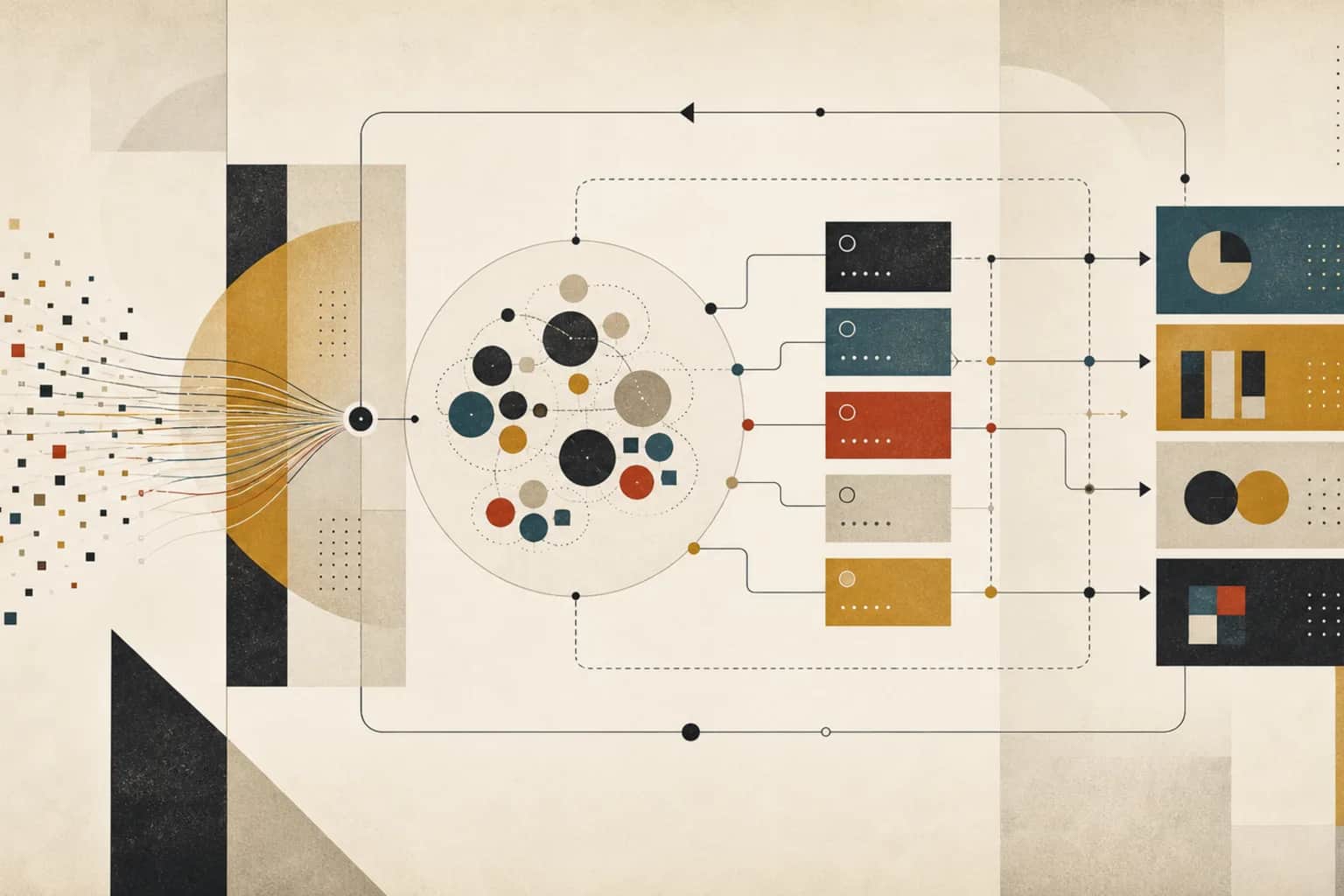
A good customer service workflow should do more than answer tickets faster. It should help the team classify what customers are saying, resolve issues consistently, spot recurring themes, and feed those signals back into product, operations, merchandising, ecommerce, and lifecycle campaigns.
That is where AI, data, and tech can work together. Data connects tickets to orders, products, returns, customers, and fulfilment. Tech routes work, tracks status, surfaces dashboards, and closes the loop. AI can classify, summarize, draft, detect patterns, and prepare insights. Humans still decide how to respond, what to fix, and when a recurring issue is serious enough to change the business.
What the workflow is supposed to answer
Customer service workflows should answer two kinds of questions.
The first set is operational:
- Which tickets need an answer now?
- Which issues can be handled with a standard response?
- Which tickets need escalation, refund approval, replacement, or specialist review?
- Which customers have open issues that should suppress sales or lifecycle messages?
- Are response time, resolution time, quality, and backlog improving?
The second set is strategic:
- Which product, delivery, sizing, payment, stock, or website issues are recurring?
- Which issues are causing refunds, returns, bad reviews, repeat contacts, or lost repeat purchase?
- Which service themes should change product pages, FAQs, packaging, fulfilment, merchandising, or campaign messaging?
- Which problems are noise and which need management attention?
If the workflow only answers the first set, service becomes a queue. If it answers both, service becomes an operating signal.
The practical test
Ask what changed in the business last month because of what customers told support. If the answer is unclear, service signals are probably not reaching the teams that can fix root causes.
How customer service usually happens today
Most consumer and retail teams already have a support tool. The problem is not always lack of software. It is that the support workflow is not connected to the rest of the business.
A typical process looks like this:
- Tickets arrive through email, chat, social, marketplace messages, forms, phone notes, or WhatsApp.
- Agents use macros, saved replies, order lookup, product knowledge, and judgement to respond.
- Some tickets are tagged manually. Some are not tagged. Some tags are too broad to be useful.
- Escalations go to operations, warehouse, ecommerce, finance, merchandising, or product teams.
- Reporting focuses on volume, first response time, resolution time, backlog, CSAT, and sometimes contact reason.
- Recurring issue themes are discussed informally, but not always converted into owned actions.
That setup can handle tickets. It does not always help the business learn.
Where the workflow breaks
Customer service workflows usually break because the team optimizes ticket handling without designing the feedback loop.
Tags are too messy to trust
Tags are often created as the team goes. Over time, there are duplicates, unclear labels, inconsistent agent use, and broad categories such as "product issue" or "delivery problem" that do not tell anyone what to fix.
Tickets are disconnected from product and order data
A complaint is much more useful when it is connected to SKU, variant, size, batch, supplier, delivery method, order status, refund amount, and customer history. Without that context, service themes stay vague.
Escalations disappear into side channels
A support agent asks operations about a delayed shipment in Slack. A warehouse issue is discussed in email. A product concern is raised in a meeting. The ticket is resolved, but the root-cause action is not tracked.
Support metrics hide business impact
Fast response time is good, but it does not mean the business solved the underlying problem. A team can answer quickly while the same product issue keeps creating refunds and bad reviews.
AI is added before the workflow is clear
AI drafts can save time, but they can also make weak processes faster. If the knowledge base is outdated, tags are inconsistent, approval rules are unclear, and escalation paths are messy, AI will not fix the operating system by itself.
What good looks like
A better customer service workflow does three things at once: it helps agents respond well, it helps managers control the queue, and it helps the business fix recurring issues.
The first good version usually has six parts.
1. A clear contact reason taxonomy
The taxonomy is the controlled list of issue categories. It should be specific enough to support decisions but not so detailed that agents stop using it.
For a retail business, useful categories might include:
- delivery delay, failed delivery, wrong address, lost parcel, damaged parcel;
- wrong item, missing item, damaged item, quality issue;
- sizing, fit, product instructions, product expectation mismatch;
- return request, refund status, exchange request, warranty request;
- discount code, payment issue, checkout problem, account issue;
- stock availability, preorder, back-in-stock, substitution;
- review, complaint, cancellation, subscription change.
The taxonomy should include escalation rules and ownership. A "damaged item" issue may need replacement logic, supplier tracking, warehouse review, and product-team visibility if it repeats.
2. Ticket enrichment
Each ticket should be connected to the data that changes the response or the root-cause analysis: order ID, SKU, variant, customer status, delivery status, return status, prior tickets, loyalty tier, product page, campaign source, and fulfilment notes where relevant.
Enrichment makes the agent faster and makes reporting more useful. A spike in "quality issue" tickets is better when the team can see which SKU, batch, supplier, warehouse, or variant is involved.
3. Routing and escalation rules
Not every ticket needs a manager. Not every ticket should be solved by a macro. The workflow should define which issues can be answered automatically, which require agent review, and which need escalation.
Service routing template
- Issue type: for example, damaged item.
- Required context: order, SKU, photo, delivery method, fulfilment location, customer history.
- Default response: apology, evidence request, replacement/refund policy, next step.
- Auto-action allowed: yes or no, and under what limit.
- Escalation rule: value threshold, repeat issue, VIP customer, batch spike, policy exception.
- Root-cause owner: operations, product, supplier, ecommerce, finance, or merchandising.
- Review cadence: daily for urgent spikes, weekly for recurring themes.
4. Response quality checks
Speed matters, but quality matters too. The workflow should check whether responses are accurate, on-brand, compliant with policy, clear about next steps, and appropriate for the customer's history.
AI can help review samples and draft replies, but human review should stay close to policy exceptions, high-value customers, refunds, complaints, and sensitive situations.
5. Issue dashboards
Service reporting should show more than queue health. A useful dashboard should include contact reasons by volume, product/SKU, channel, issue cost, refunds, replacements, repeat contacts, review impact, and open root-cause actions.
The dashboard should make recurring issues visible to the teams that own them. Product should see product issues. Operations should see fulfilment issues. Ecommerce should see checkout and product-page confusion. Lifecycle marketing should see topics that should suppress or change messages.
6. A feedback loop into decisions
The workflow should end with business actions, not just solved tickets. Examples include:
- update a product page because sizing questions repeat,
- change packaging because damage complaints rise,
- adjust lifecycle messaging because customers are confused after purchase,
- pause promotion of a product with a quality issue,
- change a return policy explanation because customers misunderstand it,
- fix a checkout or promo-code issue because tickets spike after a campaign.
This is where service becomes a source of operating improvement.
The data you usually need
Customer service workflows become much more useful when tickets are connected to customer, order, product, and operational data.
| Data area | Examples | Why it matters |
|---|---|---|
| Ticket and message data | Channel, message text, contact reason, priority, status, response, resolution | Shows what customers are asking and how the team handled it. |
| Customer context | Customer ID, order history, loyalty tier, prior tickets, consent, location | Helps agents respond appropriately and avoids treating every customer the same. |
| Order and fulfilment | Order status, delivery date, carrier, warehouse, tracking, returns, refunds | Explains delivery, return, and replacement issues quickly. |
| Product and SKU | SKU, variant, size, batch, category, supplier, product page, instructions | Turns vague complaints into product and merchandising signals. |
| Commercial impact | Refund amount, replacement cost, discount, repeat contact, repeat purchase impact | Shows which issues are expensive enough to prioritize. |
| Feedback channels | Reviews, CSAT, NPS, returns reasons, social comments, marketplace messages | Combines support data with other customer-experience signals. |
The aim is not to collect every possible field. It is to connect the fields that help the team answer, route, and fix issues faster.
The systems involved
This workflow usually sits across:
- Helpdesk or support platform: tickets, chat, macros, assignment, SLA, tags.
- Ecommerce platform: orders, products, stock, discounts, customer history.
- Warehouse and fulfilment tools: delivery status, carrier data, damaged/lost parcels, returns.
- Product catalog and PIM: product details, variants, suppliers, sizing, specifications.
- Returns platform: reason codes, refund status, exchange status, costs.
- Reviews and feedback tools: rating themes, review text, customer complaints.
- Dashboard or data layer: issue trends, root-cause actions, service quality, commercial impact.
The first build does not need to integrate everything. It needs to connect the support queue to the few systems that change response quality and root-cause learning.
Where AI can help
AI is useful in customer service workflows because there is a lot of repetitive language, classification, and summarization.
Useful AI support includes:
- classifying incoming tickets into contact reasons,
- drafting first responses using approved policy and customer context,
- summarizing long ticket threads before escalation,
- detecting recurring themes across tickets, returns, reviews, and chat transcripts,
- flagging spikes in product, delivery, checkout, or refund issues,
- suggesting knowledge-base updates based on repeated questions,
- drafting weekly service insight notes for product, operations, ecommerce, and leadership.
AI should be grounded in approved policies, product data, order data, and escalation rules. It should not invent policy, promise refunds, or make exceptions without review.
Where human review still matters
Human judgement matters when the issue affects customer trust, money, policy, or brand. That includes refunds, chargebacks, warranty claims, legal complaints, angry customers, sensitive health or personal situations, VIP customers, repeated product issues, and anything where the right answer depends on context.
Human review also matters for root-cause decisions. AI may notice that sizing complaints are increasing. A person still needs to decide whether to update the product page, change sizing guidance, adjust the product, warn customers, change the returns flow, or pause promotion.
What to fix first
Start with one service problem that is common, expensive, and connected to a fixable root cause.
Good first candidates are:
- delivery and fulfilment issues: usually high-volume and operationally actionable;
- product quality complaints: useful when tied to SKU, batch, supplier, or return reason;
- sizing or product-fit questions: often fixable through product pages, guides, and lifecycle messaging;
- return and refund confusion: can reduce repeat contacts and customer frustration;
- checkout, payment, or promo-code issues: can connect directly to ecommerce conversion reporting;
- post-purchase confusion: can improve documentation, packaging, emails, and support load.
Pick one category. Define the tags. Connect the data. Build routing. Review quality. Create a weekly insight note. Then track whether the root-cause action reduced future tickets.
A 30/60/90 day implementation path
Here is a practical path for turning service from a queue into a feedback workflow.
First 30 days: clean the signal
- Audit current tags, macros, routing rules, and reporting.
- Choose one high-value service category to fix first.
- Create a clean contact reason taxonomy for that category.
- Connect tickets to order, customer, product, and return data where possible.
- Define escalation and ownership rules.
- Create the first weekly service insight note with top themes and actions.
Days 31 to 60: connect the feedback loop
- Add AI-assisted classification and summaries with human review.
- Create a dashboard for volume, cost, repeat contacts, product/SKU themes, and root-cause actions.
- Connect service insights to product pages, fulfilment, lifecycle campaigns, and merchandising reviews.
- Review response quality and update macros or knowledge-base content.
- Track whether root-cause actions reduce tickets, refunds, returns, or complaints.
Days 61 to 90: make it repeatable
- Expand the taxonomy and workflow to the next service category.
- Standardize review cadence with product, operations, ecommerce, and leadership.
- Create escalation SLAs and owner rules for recurring issues.
- Build alerts for unusual spikes in product, delivery, checkout, or refund issues.
- Decide which parts should become automated routing, internal tooling, or dashboarding.
By the end of 90 days, the business should not only answer customers faster. It should learn faster from what customers are saying.
Common mistakes
The first mistake is adding AI before fixing the taxonomy. If contact reasons are messy, AI will classify into messy categories faster.
The second mistake is measuring service only by speed. Fast responses are useful, but recurring product, delivery, or checkout issues still need root-cause ownership.
The third mistake is leaving service insights in support dashboards. Product, operations, merchandising, ecommerce, and lifecycle teams need the signals in a format they can act on.
The fourth mistake is treating every customer issue as an individual case. Some are individual. Others are symptoms of a product page, supplier, fulfilment, packaging, or communication problem.
The fifth mistake is not closing the loop. If a root-cause action is taken, the team should check whether ticket volume, refund cost, return reasons, or complaints actually changed.
How Ubisar would approach it
Ubisar would start by mapping the support workflow as it really works today: channels, tags, macros, order lookup, escalation paths, reporting, root-cause discussions, and the side channels where issues currently get resolved.
Then we would choose one high-value service category and build the workflow around it. That could include a cleaner taxonomy, ticket enrichment, routing rules, AI-assisted classification and response drafts, root-cause dashboards, and an action tracker for product, operations, ecommerce, and merchandising teams.
The goal is not to automate empathy out of customer service. It is to help the team answer well, learn from repeated issues, and fix the business problems that create unnecessary tickets in the first place.
This workflow connects closely to ecommerce conversion reporting, lifecycle campaign operations, and weekly merchandising reviews. For the broader operating model, see our consumer and retail workflow page or the AI, Data & Tech Implementation Retainer.